
Blog
Wireless Access Point Installation Done Right

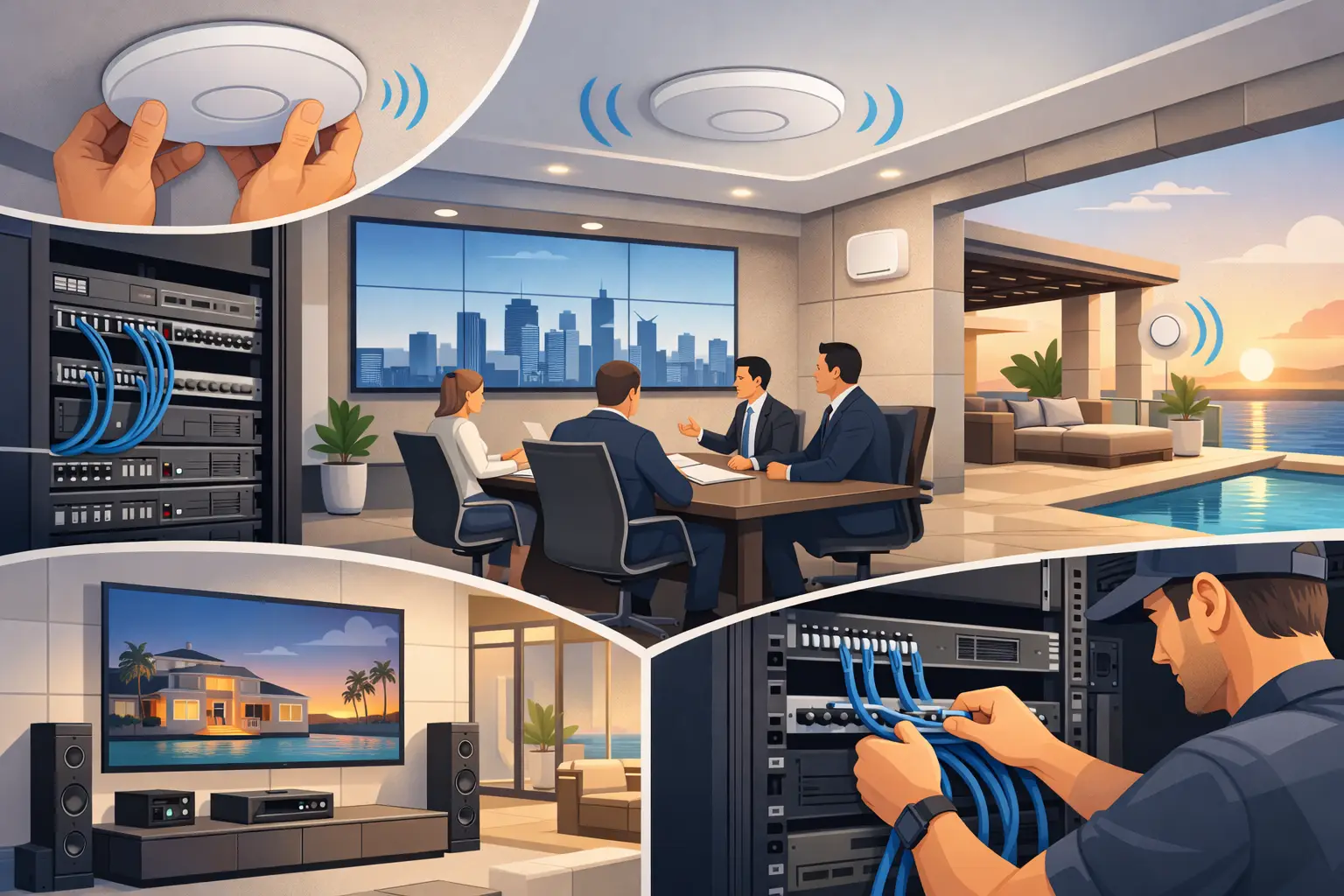
A new wireless network can look fine on paper and still fail in daily use. The usual reason is not the access point itself. It is the wireless access point installation – where devices are placed, how they are powered, how channels are planned, and whether the network was designed around the building instead of around a floor plan.
For business owners, facilities teams, hospitality operators, and premium residential clients, Wi-Fi is no longer a convenience layer. It supports guest services, staff mobility, IP telephony, AV control, streaming, automation, and day-to-day operations. If installation is treated as a basic hardware task, the result is often dead zones, unstable roaming, poor call quality, and support requests that never fully stop.
Why wireless access point installation is more than mounting hardware
An access point is part of a wider infrastructure. It depends on structured cabling, PoE switching, internet capacity, RF planning, and proper controller configuration. In many properties, it also shares space with other systems such as CCTV, digital signage, conference platforms, smart home controls, and building networks. That is why installation has to be handled as an integration task, not a one-step IT job.
The first mistake many projects make is assuming more access points automatically mean better coverage. In reality, too many units in the wrong places can create channel overlap, unnecessary interference, and poor handoff between coverage cells. Fewer well-positioned access points often perform better than an oversized deployment.
The second mistake is ignoring how the building actually behaves. Concrete walls, metal partitions, glass, elevator shafts, decorative finishes, server racks, kitchen equipment, and even large display installations can affect wireless performance. A layout that works in an open office may fail in a villa, hotel corridor, retail floor, or multi-purpose hall.
Start with design, not device selection
The best wireless projects begin with a site-aware design process. That means understanding who will use the network, what applications they depend on, and how many devices are expected in each area. A boardroom used for video conferencing has different requirements from a guest room floor, a luxury residence, or a warehouse office.
Capacity planning matters as much as coverage. A signal may reach a room, but that does not mean it can support dozens of users, high-bitrate streaming, wireless presentation traffic, and voice calls at the same time. This is where many low-cost deployments fall short. They are designed to show bars on a phone, not to support real workloads.
At this stage, cable pathways and switch infrastructure also need review. Wireless access points perform best when connected through reliable structured cabling and powered correctly through PoE. If cabling distances are excessive, switch ports are undersized, or network cabinets are poorly organized, wireless performance will suffer even if the RF design is sound.
Placement decisions that affect real-world performance
Access point placement should never be reduced to visual symmetry on the ceiling. The correct position depends on room use, ceiling height, material density, furniture layout, and user movement. In some environments, ceiling-mounted devices are ideal. In others, wall mounting or directional coverage makes more sense.
High ceilings are a common problem. Mounting an access point too high can weaken the effective signal at user level, especially in spaces with dense occupancy. Decorative ceilings can create another issue by forcing installers to compromise placement for aesthetics. In premium residential and hospitality projects, the solution is usually careful coordination between design intent and RF performance, not sacrificing one for the other.
Corridors deserve special attention. They are often used to serve adjacent rooms, but a corridor-based design can produce uneven coverage indoors if wall materials are dense. The same principle applies in offices with glass partitions. Glass may look open, but RF behavior can still be inconsistent depending on coatings and surrounding structure.
Outdoor and semi-outdoor areas require a separate approach. Pool decks, majlis areas, terraces, and entrance zones may need weather-rated equipment and tighter coverage planning. Extending indoor Wi-Fi beyond the facade rarely delivers stable results.
Configuration is where installation becomes a network service
Physical mounting is only the visible part of the work. The quality of a wireless access point installation is defined just as much by configuration and commissioning. SSID planning, VLAN segmentation, authentication policy, roaming behavior, channel width, transmit power, and firmware consistency all shape the user experience.
For commercial environments, it is often necessary to separate guest traffic from corporate traffic and from operational systems such as voice, AV control, or IoT devices. These networks may share the same wireless infrastructure, but they should not share the same policy. Proper segmentation improves security, performance, and troubleshooting.
Roaming also needs careful setup. In a hotel, clinic, school, or large villa, users move while connected. If handoff between access points is poorly tuned, calls can drop and applications can freeze even when signal strength looks acceptable. Fast roaming features can help, but only when client compatibility and controller settings are considered together.
Channel and power planning should be deliberate, not left on default settings without validation. Automatic optimization features are useful, but they are not a substitute for engineering judgment. In crowded RF environments, especially in multi-tenant buildings, manual review is often necessary to avoid co-channel interference and unstable performance.
Common installation problems and why they happen
Many wireless issues appear after handover because the project was installed without proper commissioning. A network may pass a basic internet test while still failing under occupancy. This is especially common in meeting spaces, hospitality environments, and larger homes where user density changes throughout the day.
One frequent issue is access points placed near electrical sources, AV racks, or metal obstructions that distort coverage. Another is inconsistent cabling quality, which causes intermittent performance that is misdiagnosed as a wireless problem. Power budget limitations on PoE switches can also affect operation, particularly when multiple access points and other edge devices share the same switching layer.
There is also the challenge of mixed-use environments. A property might combine office space, public areas, private rooms, and automation systems on one network backbone. In these cases, wireless design cannot be isolated from the rest of the technology stack. It has to align with switching, routing, internet redundancy, content systems, and support expectations.
Why commissioning and validation matter
A professional installation is not complete when the indicator light turns on. It is complete when the network has been tested, documented, and validated against the project requirements. That includes coverage verification, throughput testing, roaming checks, security confirmation, and review of controller health.
Documentation is often overlooked, but it becomes critical during expansion or support. Facilities managers and property owners need to know where access points are located, how they are connected, what SSIDs are active, and how the system is administered. Without that visibility, even minor future changes become disruptive.
User training also has value in managed environments. Internal teams do not need to become wireless engineers, but they should understand the basics of guest access, escalation paths, and what to check before reporting a fault. That reduces downtime and keeps support conversations focused.
When to upgrade instead of reinstall
Not every wireless problem requires a complete redesign. Sometimes the issue is firmware, controller policy, switch capacity, or outdated cabling rather than access point quantity. In other cases, the original design is no longer suitable because occupancy increased, services expanded, or the building was repurposed.
A conference floor that once supported email and browsing may now need high-quality video meetings and wireless presentation for every room. A villa may add smart lighting, surveillance, streaming zones, and home office requirements that strain the original network. In these situations, targeted upgrades can be effective if they are based on current usage, not assumptions.
For clients in Qatar managing new builds, fit-outs, or technology upgrades, the strongest results usually come from treating wireless as part of the overall systems package. High End Electronics approaches wireless infrastructure the same way it approaches AV, automation, and communications – through design, coordinated installation, commissioning, and long-term support.
Wireless performance is rarely improved by guessing. It improves when placement, cabling, configuration, and validation are handled with the same discipline as the rest of the project. If the network matters to daily operations or to the quality of the user experience, the installation deserves that level of attention from the start.