
Blog
Best Boardroom Camera Systems for Meetings

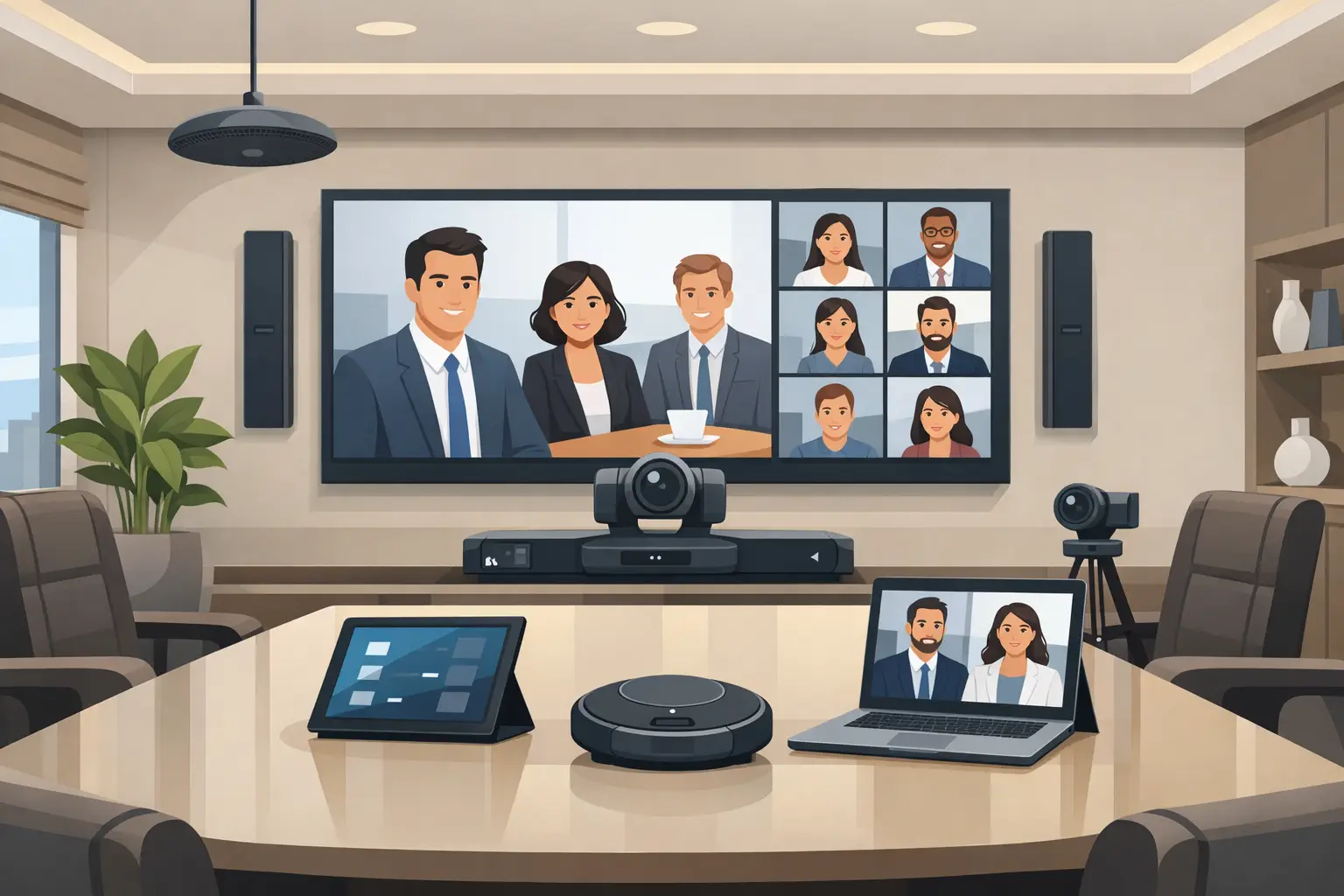
A boardroom camera fails long before it goes offline. It fails when half the table looks distant, when the presenter turns to the display and becomes unintelligible, or when remote participants cannot tell who is speaking. That is why choosing the best boardroom camera systems is not about buying a premium device with a long feature list. It is about specifying a system that fits the room, the meeting style, the displays, the microphones, and the network environment.
In executive spaces, small mistakes become visible very quickly. A camera mounted too high creates poor sightlines. A wide-angle lens in a long room makes everyone look remote. Auto-framing can help in one space and become distracting in another. The right decision usually comes from system design, not from product marketing.
What makes the best boardroom camera systems
The best boardroom camera systems do three jobs well. They present people clearly, they adapt to real meeting behavior, and they integrate cleanly with the rest of the room technology.
Image quality matters, but it is only one part of performance. A 4K camera is useful if the field of view, zoom range, low-light handling, and framing logic are appropriate for the room. In many boardrooms, a properly positioned PTZ camera with strong optical zoom will outperform a fixed ultra-wide camera, even if both claim similar resolution.
Audio coordination matters just as much. If the camera framing changes while voice pickup remains uneven, the meeting still feels poorly managed. The strongest systems treat the room as one environment, where camera placement, ceiling or table microphones, speakers, DSP programming, switching, and control all support each other.
Reliability is another dividing line. Executive meeting spaces are rarely tolerated as experimental environments. Decision-makers expect the room to start on time, switch sources without confusion, and maintain stable video performance across repeated use. That is why product choice should be paired with commissioning, testing, and user training.
Fixed lens vs PTZ in boardroom environments
One of the first technical decisions is whether the room needs a fixed camera, a PTZ camera, or a multi-camera arrangement.
A fixed lens camera can work well in small huddle rooms or compact meeting spaces where everyone sits within a short distance of the display. It simplifies installation and often reduces control complexity. The trade-off is coverage. In a longer boardroom, a fixed lens camera may capture the whole table, but at the cost of facial detail and presence.
PTZ cameras are usually a better fit for formal boardrooms. Pan, tilt, and optical zoom allow the system to frame the active speaker, focus on the far end of the table, or support different meeting modes such as presentations, hybrid discussions, and client briefings. The trade-off is that PTZ systems need proper programming. If camera presets are poorly configured or tracking is too aggressive, the room can feel mechanical rather than natural.
Multi-camera systems are often the strongest option for larger executive rooms. A front camera can frame the full table, while a secondary camera can capture presenters or provide close coverage of specific seating zones. This approach adds cost and integration requirements, but it produces a more balanced result in rooms where one camera position cannot solve every angle.
Room size changes everything
The phrase best boardroom camera systems can be misleading because there is no single best system for every room. A six-seat executive room and a twenty-seat boardroom have very different requirements.
In a smaller room, simplicity usually wins. A single high-quality camera with intelligent framing, paired with well-positioned microphones and a clean USB or appliance-based conferencing platform, may be all that is needed. Overengineering a small room can create unnecessary user friction.
In a medium boardroom, the design starts to shift. Camera distance increases, seating positions vary more, and participants may alternate between discussion and presentation. Here, optical zoom, preset recall, and better integration with audio DSP become more important.
In larger boardrooms, camera design should be treated as part of the overall AV architecture. Sightlines, display locations, furniture layout, ceiling heights, microphone zones, and control interface design all affect camera performance. At this level, buying equipment without a room-specific design process usually leads to compromises that become expensive to correct later.
Features that matter and features that are often overstated
There are some features worth paying for and others that sound impressive but only help in narrow situations.
Auto-framing is valuable when it is stable and predictable. In rooms with a consistent seating layout, it can reduce manual control and improve the experience for remote attendees. In more dynamic spaces, especially where people move frequently or present from different positions, auto-framing should be tested carefully.
Speaker tracking can be highly effective, but only when audio pickup and camera logic are properly aligned. If microphone zones are inaccurate or room acoustics are poor, the camera may switch too often or focus on the wrong participant. This is a system design issue, not just a camera issue.
Optical zoom remains one of the most practical advantages in larger boardrooms. Digital cropping has improved, but it is still not a substitute for genuine optical performance when the far end of the table needs to appear clear and natural.
Low-light performance is often overlooked. Many boardrooms are designed for presentation visibility rather than camera-friendly lighting. If the room frequently operates with dimmed front lighting or mixed color temperatures, camera selection should account for that. A technically strong room on paper can still produce poor meeting video if lighting and imaging are not considered together.
Integration is where performance is won or lost
A boardroom camera should never be specified in isolation. It has to work with the conferencing platform, displays, switching hardware, microphones, speakers, control system, and network.
This is where many projects drift off course. A business may choose an excellent camera but connect it to a room with weak USB extension, poor cable infrastructure, inconsistent device control, or a conferencing platform that limits advanced features. The result is a premium component inside a poorly coordinated environment.
The more dependable approach is to treat the boardroom as a complete system. Consultancy, design, equipment selection, installation, commissioning, and user handover all shape the final result. In practice, this means checking camera angles before final mounting, validating presets in real meetings, aligning audio zones with video behavior, and testing with the exact platform the client uses.
For organizations in Qatar managing new office fit-outs, executive upgrades, or multi-room deployments, this integrated approach usually saves time and reduces rework. It also gives facilities teams a clearer support path after handover.
How to evaluate boardroom camera options properly
Start with the room, not the brand. Measure the table length, seating capacity, ceiling height, display wall position, and presenter area. Then define how the room is actually used. Some boardrooms are discussion-focused. Others are built around presentations, remote client meetings, or leadership updates. The right camera behavior depends on those patterns.
Next, look at interoperability. The camera system should support the conferencing workflows your team already uses, whether that means appliance-based rooms, dedicated compute systems, or managed meeting platforms. There is little value in advanced camera intelligence if daily operation remains complicated for end users.
After that, assess control. Executive rooms should not require technical staff for routine meetings. Camera presets, source selection, and meeting launch should be easy to access through a clear interface. Manual override is also important. Even smart systems need human control in high-stakes meetings.
Finally, think beyond installation. Good boardroom camera performance depends on commissioning and support. Firmware, tracking behavior, room layout changes, and platform updates can all affect operation over time. Long-term performance is part of the purchasing decision, not an afterthought.
When a premium system is worth it
Not every boardroom needs the highest-priced solution. In some cases, a mid-tier camera integrated correctly will deliver better results than a flagship camera installed as a standalone device.
A premium system becomes worthwhile when the room carries visible business importance. Executive boardrooms, investor presentation rooms, and high-value client meeting spaces benefit from better optics, stronger automation, more flexible control, and cleaner integration. The cost is easier to justify when the room is used for decision-making, external representation, and hybrid collaboration at a senior level.
That said, overspending on features that the room cannot support is common. There is no benefit in advanced tracking if the microphones are basic, or in extreme resolution if the seating distance and platform output make that improvement invisible. Value comes from balance.
The best boardroom camera systems are the ones that make meetings feel natural, dependable, and professionally managed. If the room supports conversation without drawing attention to the technology, the system is doing its job. That is the standard worth designing for.